Skills Tool

Powered by

Home / Instructions

Menu

Skills Tool Zero6

User guide

The Zero6 Skills Tool is a tool designed for self-assessment of educational skills for education professionals,
allowing users to identify their strengths and areas for improvement.

1. Self-assessment test

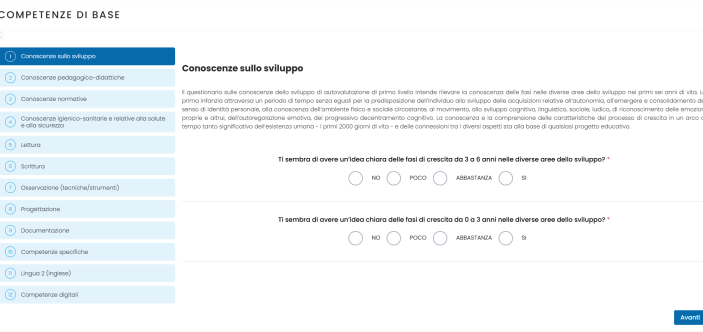
After selecting the self-assessment level, the professional will be presented with a series of questions, divided into Areas of Competence. Each area represents a specific skill or group of skills to be assessed. To answer each question, the professional will have four response options: No | A little | Somewhat | Yes.

2. Self-assessment results

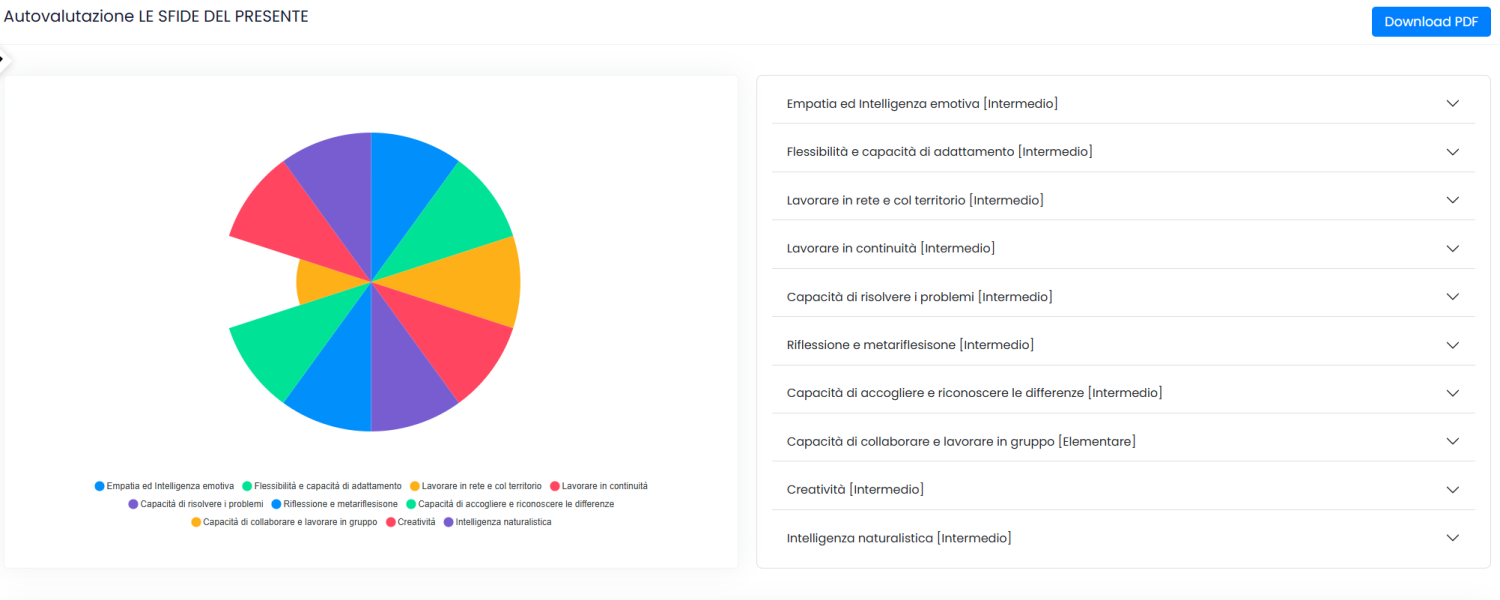
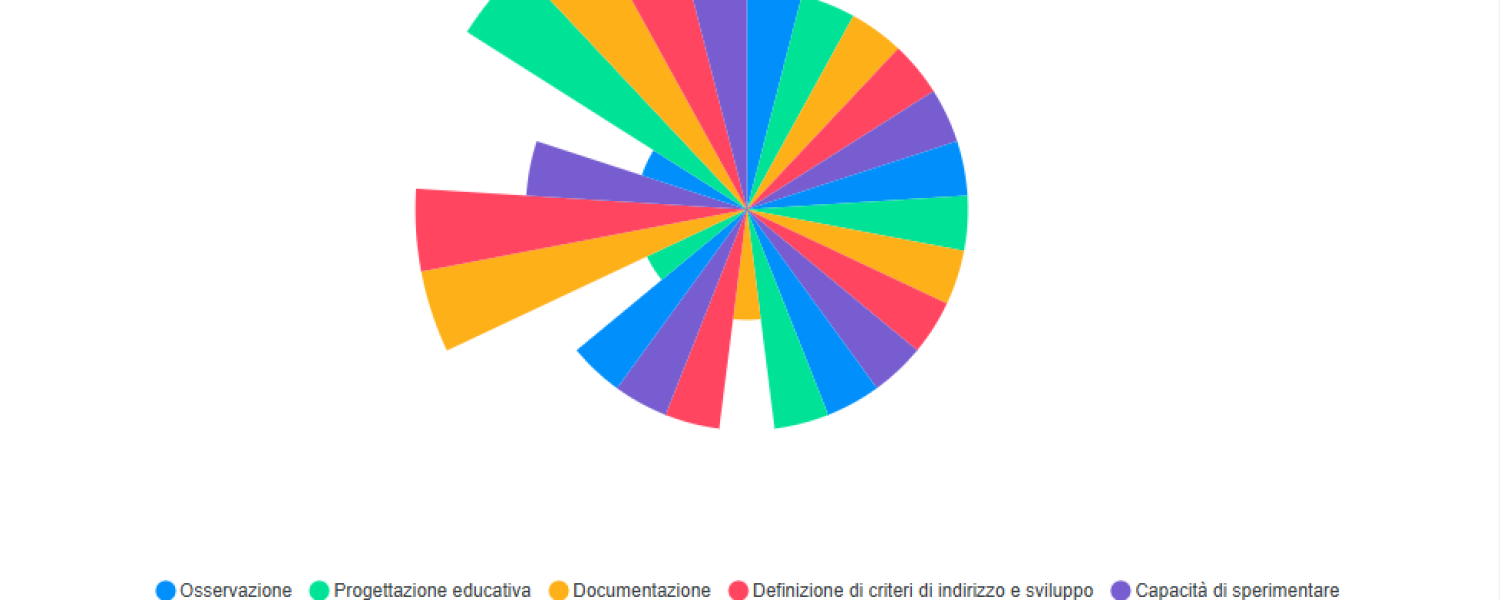
Once the self-assessment is completed, the system will display a report page with the results.
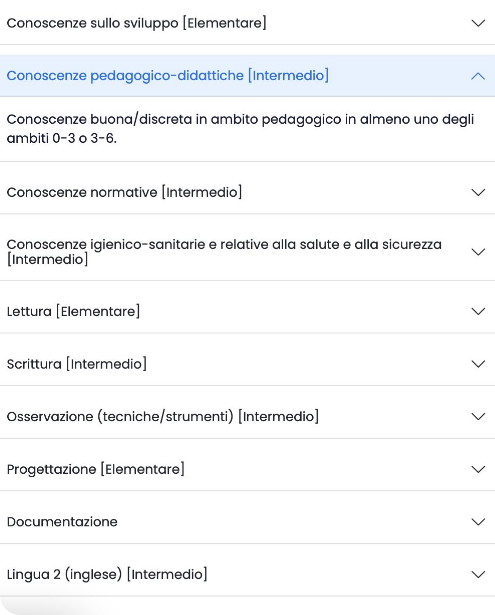
Each skill area will be assessed individually, indicating the professional’s skill level. Skill levels are divided into three categories: elementary, intermediate, and advanced.

3. Reading the results

Along with the scores, analytical feedback will be provided by skill area. This will help the professional better understand their level and how their skills can be further developed.

4. Development and Training

At the bottom of the results page, professionals will find a section dedicated to advice on how to improve their skills. Based on their score in each area, they will be offered: books, articles, courses (live or webinars), and podcasts. These materials are specifically chosen to help users strengthen areas in which they have received lower scores and advance their professional development.
5. Coaching

Professionals can choose whether to access the on-demand online consultations with a coach to further explore the results of the self-assessment and identify and prioritize their training needs.

Discover the other PSLZero6 roles

Current