Menu
Skills Tool Zero6
User guide
The Zero6 Skills Tool is a tool designed for self-assessment of educational skills for education professionals,
allowing users to identify their strengths and areas for improvement.
1. Self-assessment test
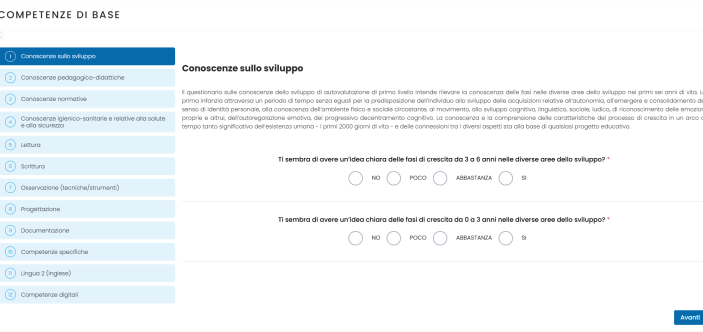
After selecting the self-assessment level, the professional will be presented with a series of questions, divided into Areas of Competence. Each area represents a specific skill or group of skills to be assessed. To answer each question, the professional will have four response options: No | A little | Somewhat | Yes.
2. Self-assessment results
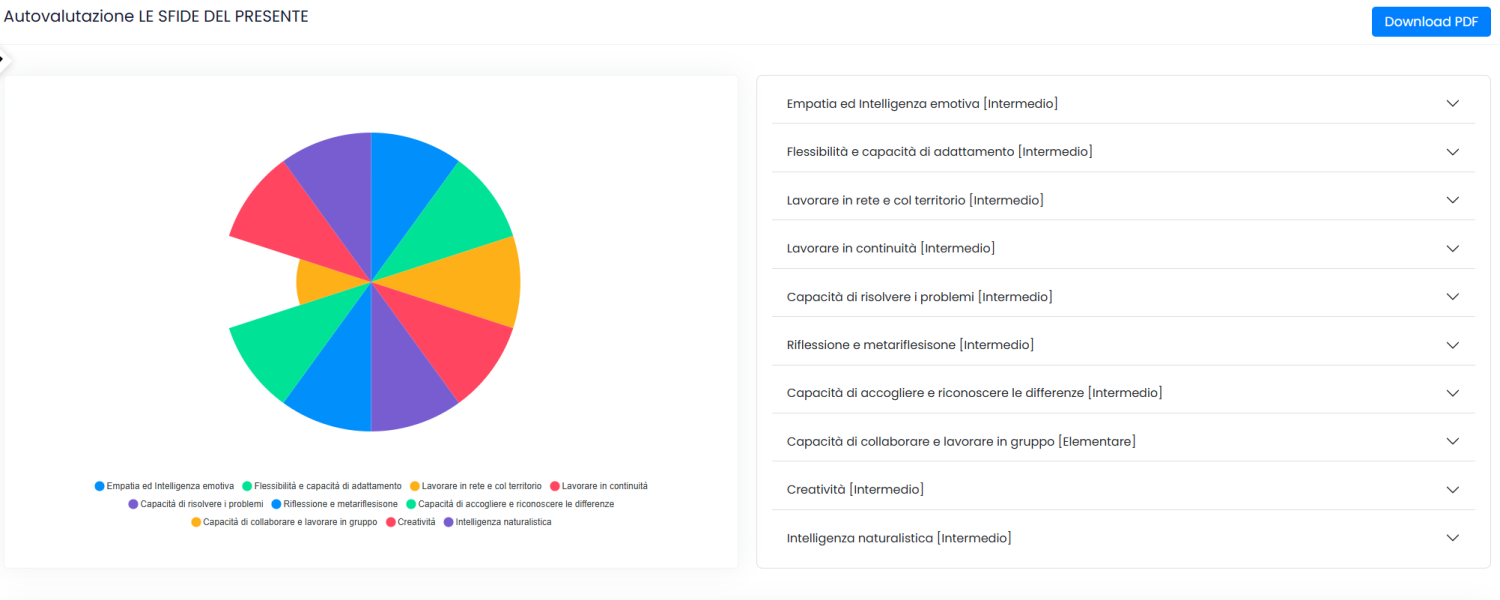
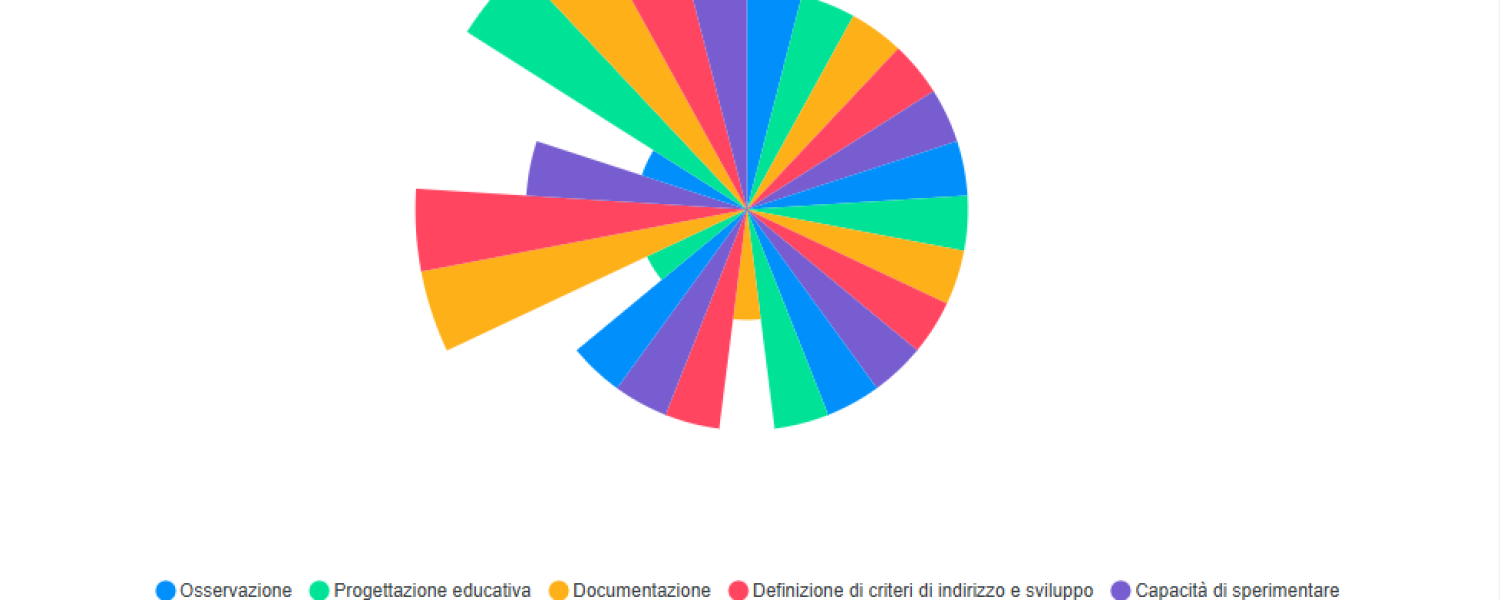
Once the self-assessment is completed, the system will display a report page with the results.
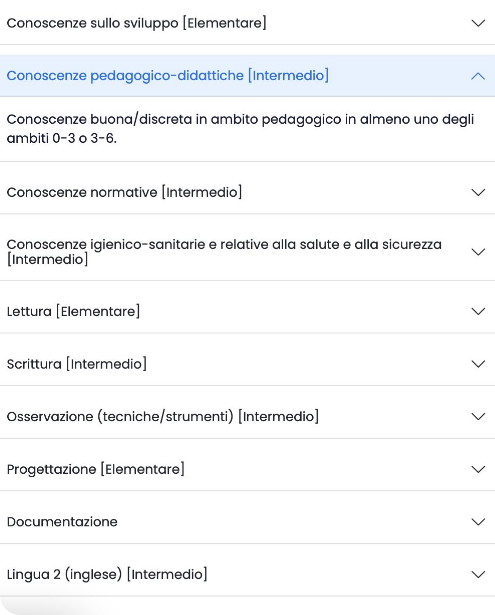
Each skill area will be assessed individually, indicating the professional’s skill level. Skill levels are divided into three categories: elementary, intermediate, and advanced.
3. Reading the results
4. Development and Training
5. Coaching
Professionals can choose whether to access the on-demand online consultations with a coach to further explore the results of the self-assessment and identify and prioritize their training needs.